How to
Edit Funeral Templates in Canva
Simple, step-by-step guidance to help you personalize your templates with ease—so you can focus on honoring your loved one, not figuring out the technology.
When you’re working on something as meaningful as a funeral, memorial, or celebration of life, the last thing you should worry about is how to edit a template. This page will gently guide you through each step so you can personalize your program, slideshow, or keepsake with confidence and ease.
Choose the item you’d like help with below. Each guide will gently walk you through the process step-by-step:

How to Get Started with Canva
Learn how to add photos, music, and meaningful details in just a few steps.
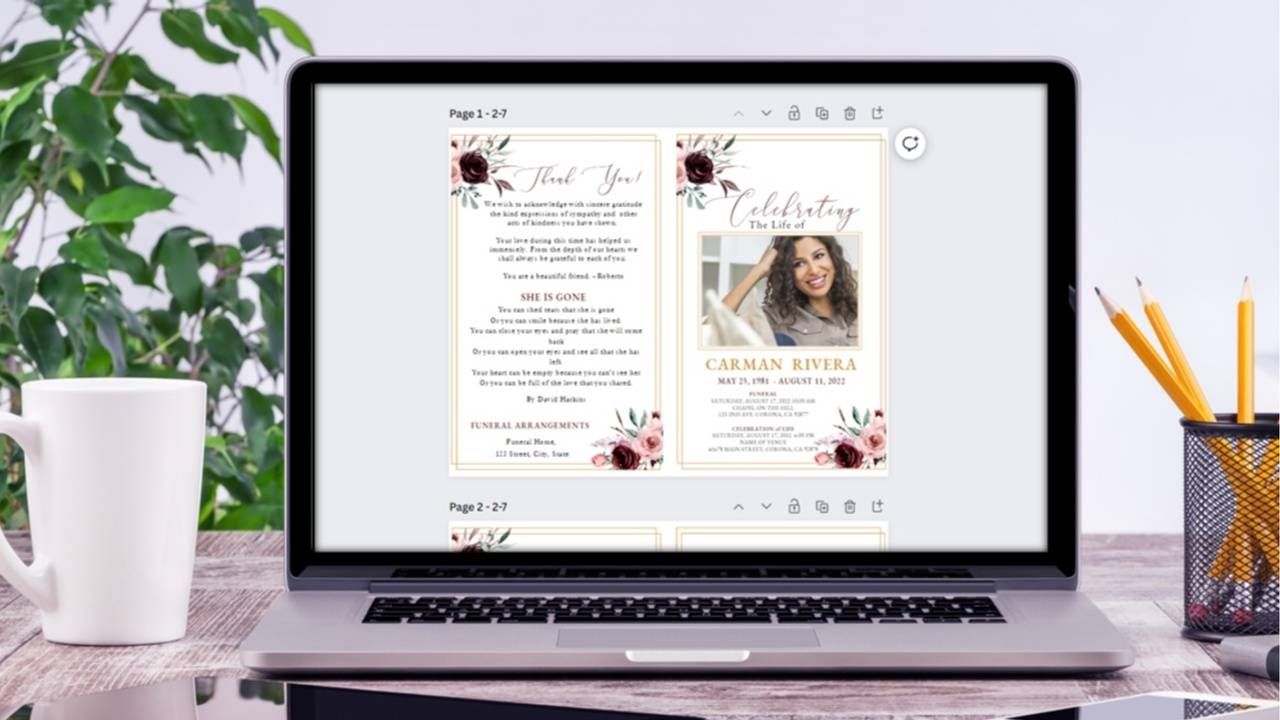
How to Edit a Funeral Program in Canva
Simple, step-by-step instructions to personalize your program with ease.
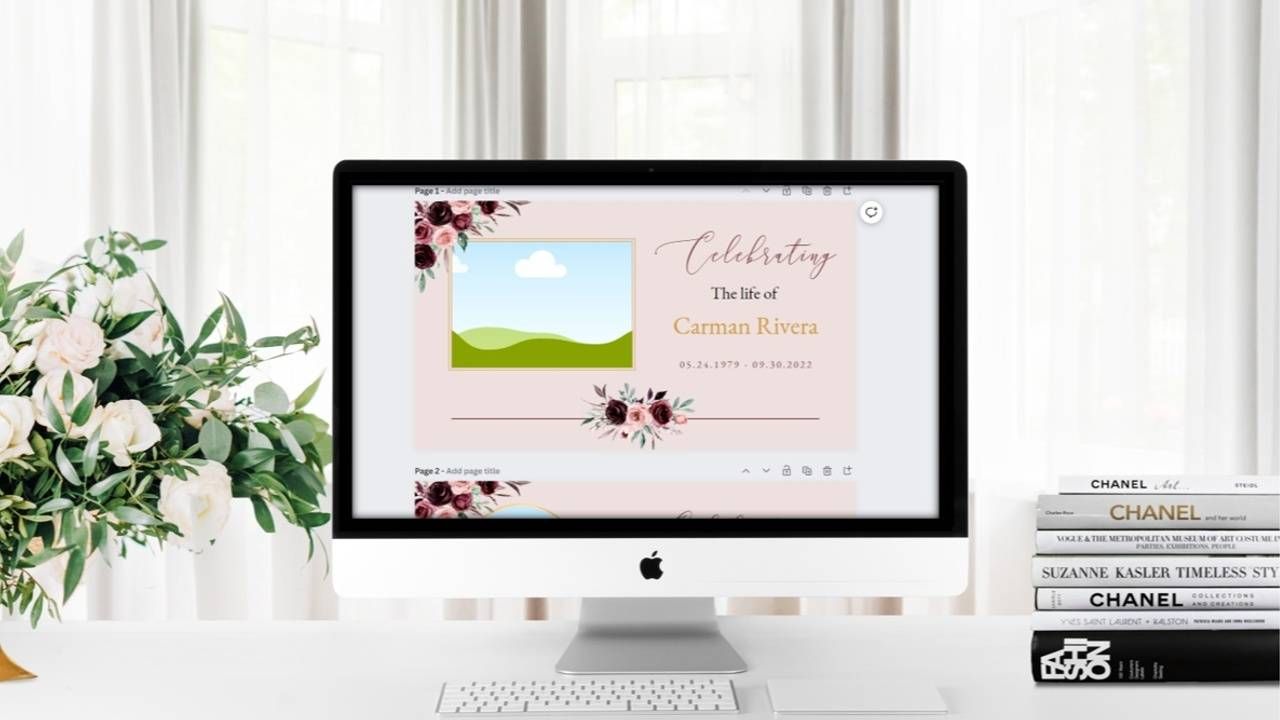
How to Edit a Slideshow in Canva
Learn how to add photos, music, and meaningful details in just a few steps.

How to Edit Welcome Posters in Canva
Customize welcome signs in just a few simple steps.

How to Edit Picture Posters in Canva
How to personalize picture posters using beautiful remembrance layouts.
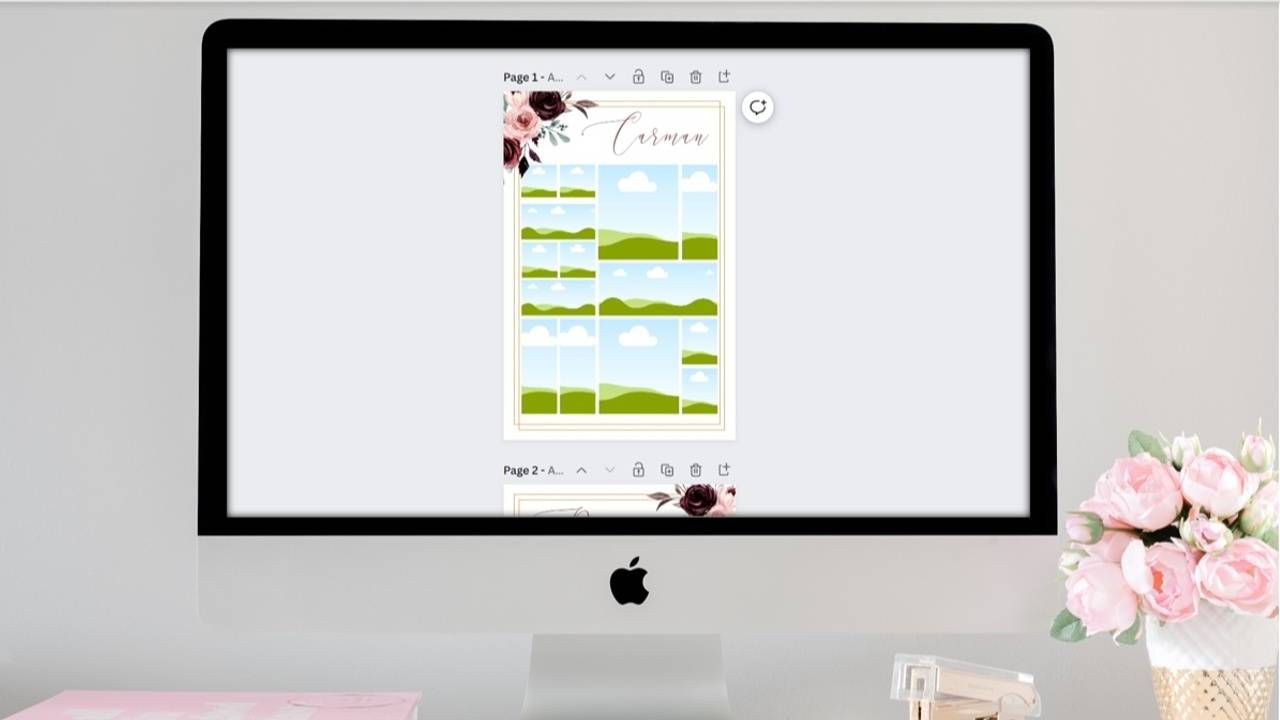
How to Edit Photo Posters in Canva
Create a beautiful funeral display with personalized photos and details.
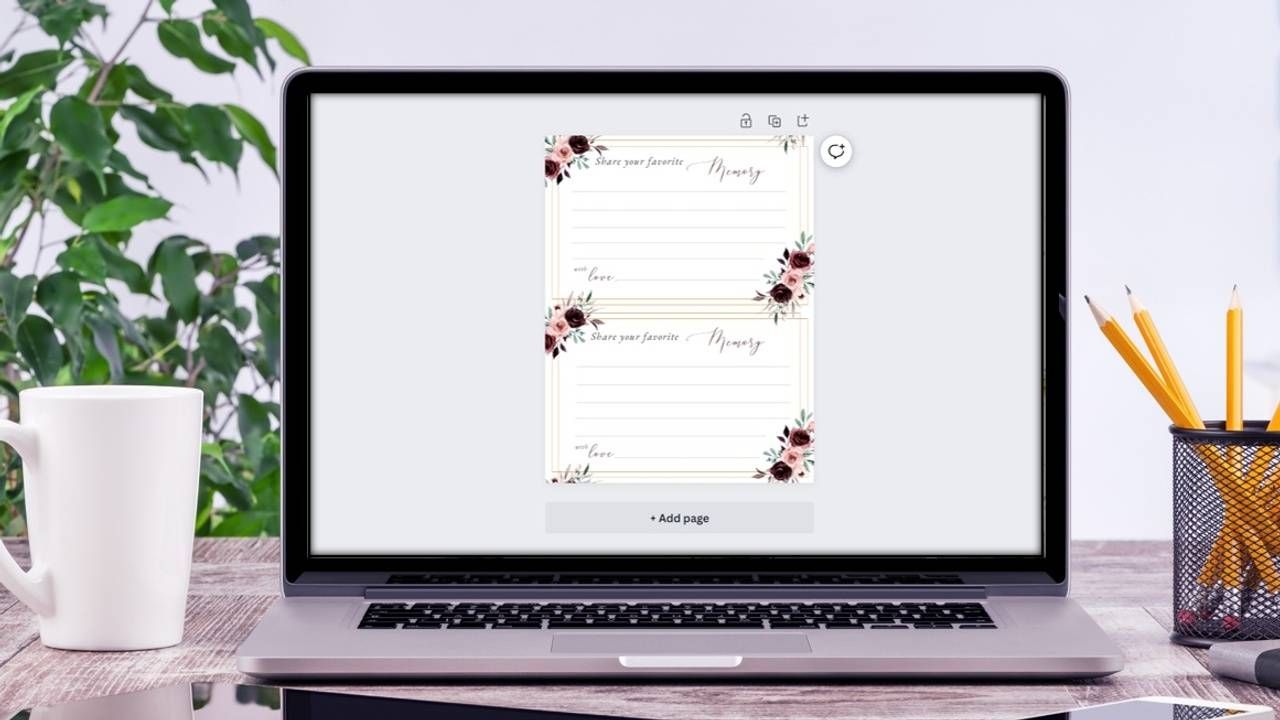
How to Edit Memory Cards in Canva
Personalize share memory cards & posters for thoughtful keepsakes.
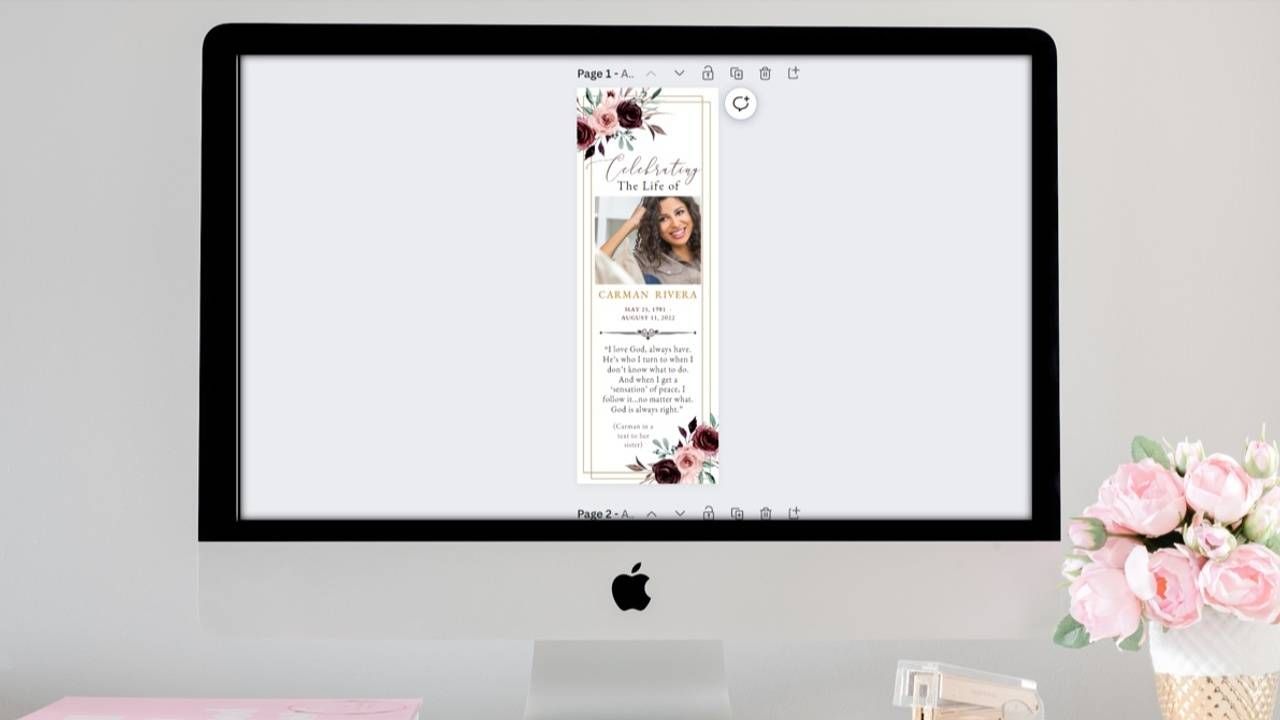
How to Edit Bookmarks & Prayer Cards
Learn how to customize funeral bookmarks and prayer cards in Canva.

How to Edit a Guest Book in Canva
Create a meaningful funeral guest book keepsake with personalized details.

How to Edit Thank You Cards in Canva
Personalize heartfelt funeral thank you cards in minutes.
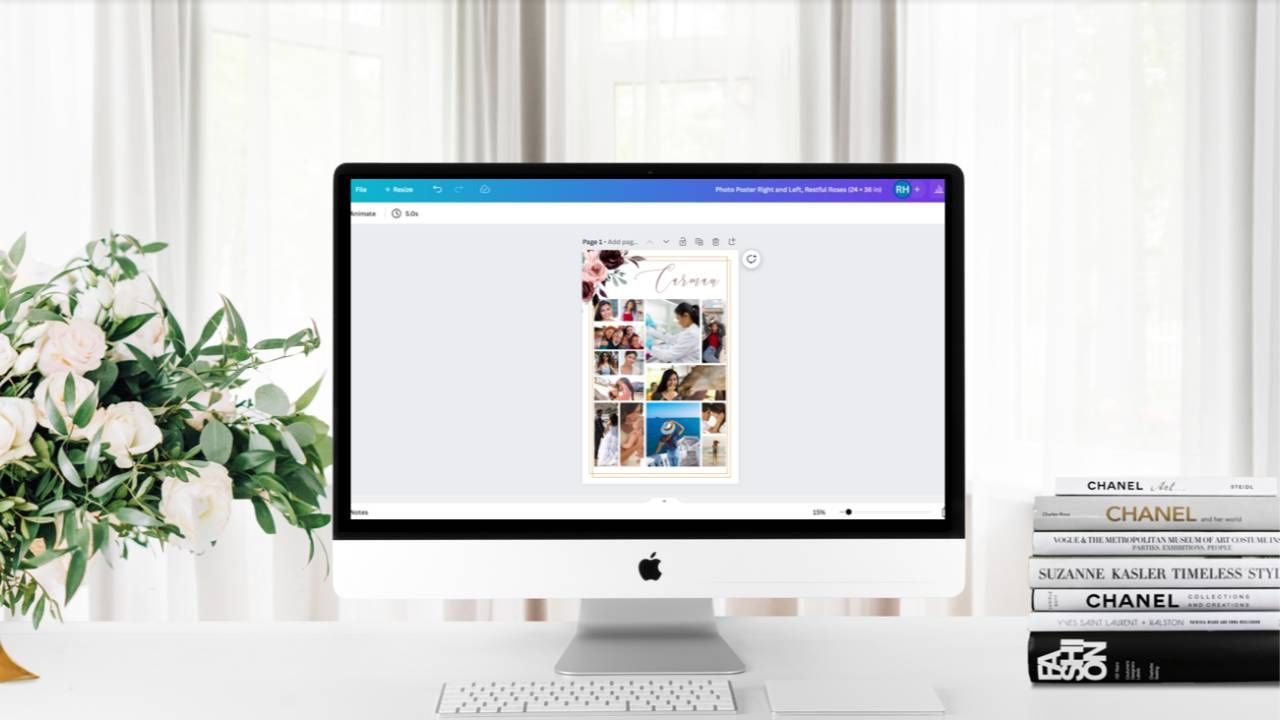
How to Prepare Funeral Templates for Printing
Learn how to save and format your Canva funeral templates for printing.
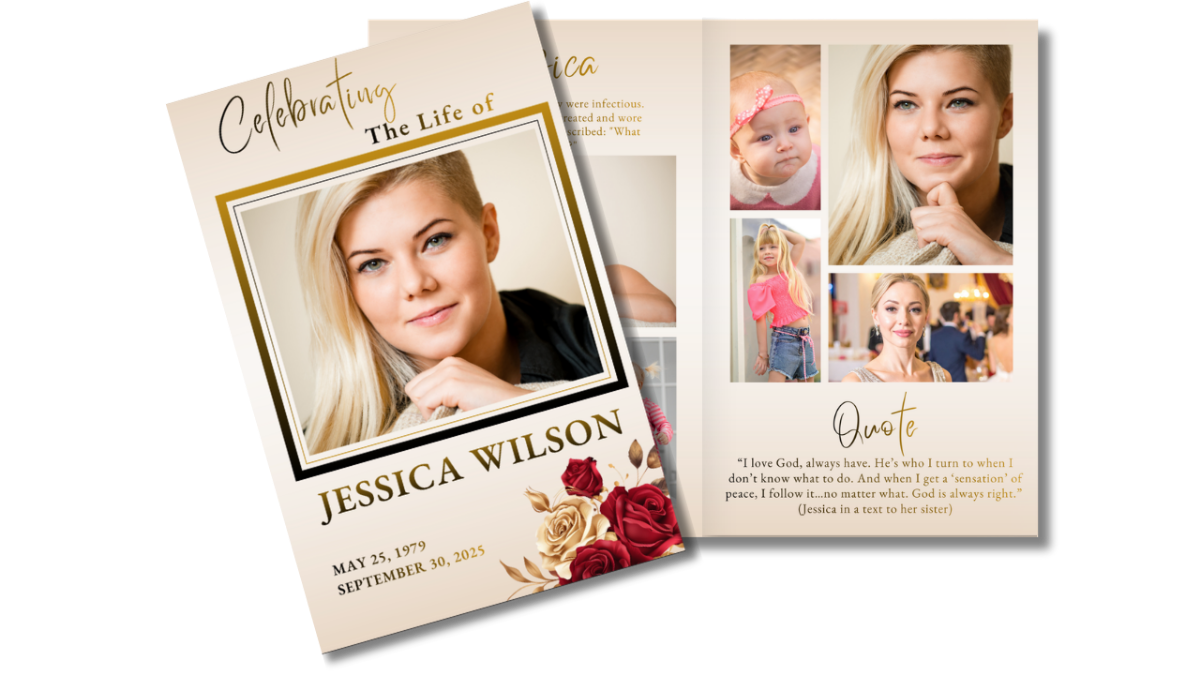
Ready to Create Something Beautiful?
Browse our funeral program templates and personalize one in minutes.